What’s in the free habit tracker template?
One spreadsheet with two trackers, ready for Excel, Google Sheets and Numbers. It downloads straight away: no email, no account.

Habit tracker spreadsheet
A 66-day tab for up to five habits, with a start date and the date of day 66 worked out for you, and a monthly tab for up to ten habits across 31 days. Each row counts its own days.
Rather have it on paper? The same layouts are a free printable habit tracker in A4 and US Letter, and there’s a Year in Pixels template for a whole year on one page.
How do you open it in Google Sheets or Excel?
| App | How to open it |
|---|---|
| Google Sheets | File, then Import, then Upload. Pick the .xlsx file and choose “Replace spreadsheet”. |
| Excel | Open the file directly, on Windows, Mac or Excel on the web. |
| Numbers | Open the file on a Mac, iPhone or iPad. Numbers converts it in a second. |
The formulas and the colors come along in all three, so the tracker works the same way everywhere.
How do you use a habit tracker template?
- Rename the habits. Replace “Habit 1” and the rest with your own. One to three is plenty to start; here are 80+ habits to track if you need ideas.
- Set the start date. On the 66-day tab, type the day you begin. Day 66 fills in by itself, so the finish line is real.
- Type an x on each day you do the habit. Any character works. The square fills with that habit’s color.
- Watch the totals. The Days column counts your done days and Done shows the share of the run. No formulas to write.
- Leave missed days blank, and carry on. A blank square is part of the picture, not a reason to start a new sheet.
Why does the template run for 66 days?
Because that’s closer to how long habits actually take. In a 2010 study by Lally and colleagues, people repeating a new daily habit took a median of 66 days before it felt automatic, with a range of 18 to 254 days, and missing a single day didn’t materially affect their progress. More on the research in how long it takes to form a habit.
Should you use a spreadsheet, paper or an app?
Whichever you’ll open every day. Each has its strengths:
| Option | Good for | Less good for |
|---|---|---|
| Spreadsheet template | Totals and percentages without math; easy to copy for next month; works on a laptop | Reminders; checking in quickly from your phone |
| Printable template | Seeing the whole run at a glance; no screen | Counts like 8 glasses; habits away from home |
| An app like Mosaik | Reminders, counts, history, widgets; always on you | People who want a break from their phone |
Prefer your phone?
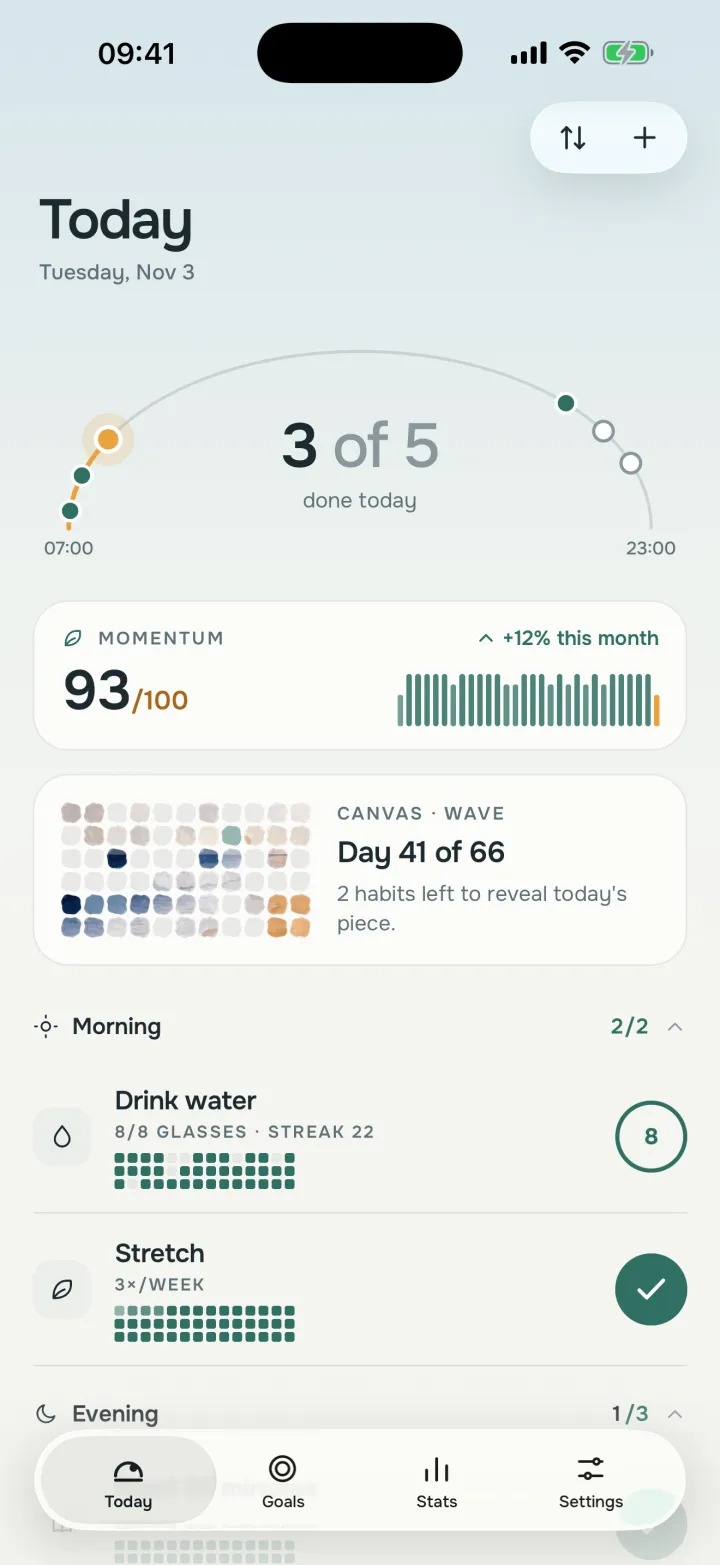
It also does what a spreadsheet can’t: reminders at the time you choose, a nudge right after a stacked habit, Home and Lock Screen widgets, and Siri. Free for up to 3 habits on iPhone; Android is coming soon.
Frequently asked questions
Is the habit tracker template free?
Yes. The spreadsheet is free to download, copy and use as often as you like. There’s no email sign-up and no account: the button downloads the file directly.
How do I open it in Google Sheets?
In Google Sheets choose File, then Import, then Upload, and pick the downloaded .xlsx file. Choose “Replace spreadsheet” or “Insert new sheet(s)”. The formulas and the colors carry over.
Does it work in Excel and Apple Numbers?
Yes. Open the .xlsx file directly in Excel (Windows, Mac or the web) or in Numbers on a Mac, iPhone or iPad.
How does the tracker count my days?
Each habit row counts the squares that aren’t empty. Type an x, a check mark or anything else on a day you did the habit; the Days column adds it up and the Done column shows the share of the 66 days, or of the month.
Why does the template run for 66 days?
Because 66 days was the median time it took a new daily habit to feel automatic in a 2010 study by Lally and colleagues. In the same study, missing a single day didn’t materially affect habit formation.
Is there a version I can print?
Yes. The free printable habit tracker has the same 66-day and monthly layouts as PDFs in A4 and US Letter.